How to create your account
Step 1: Access the site
Go to https://my.appswite.dev/ to begin.
Step 2: Create your account
Click on "Create Account" and fill out the form:
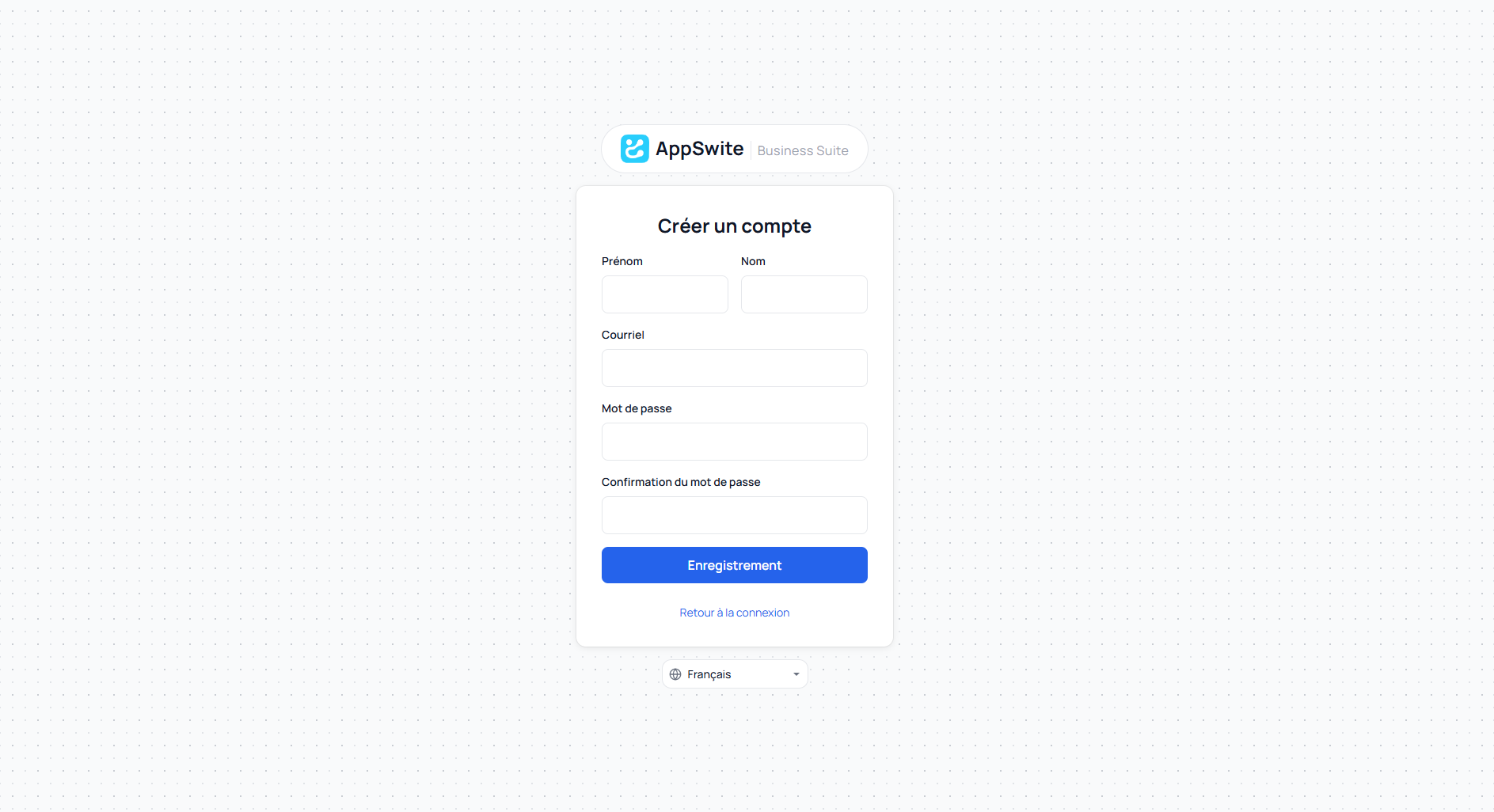
- First name: Your first name
- Last name: Your last name
- Email: Your email address
- Password: Choose a password
- Confirm password: Confirm your password
Click on "Create Account" to validate.
Step 3: Verify your email
After creating your account, you will reach this page:
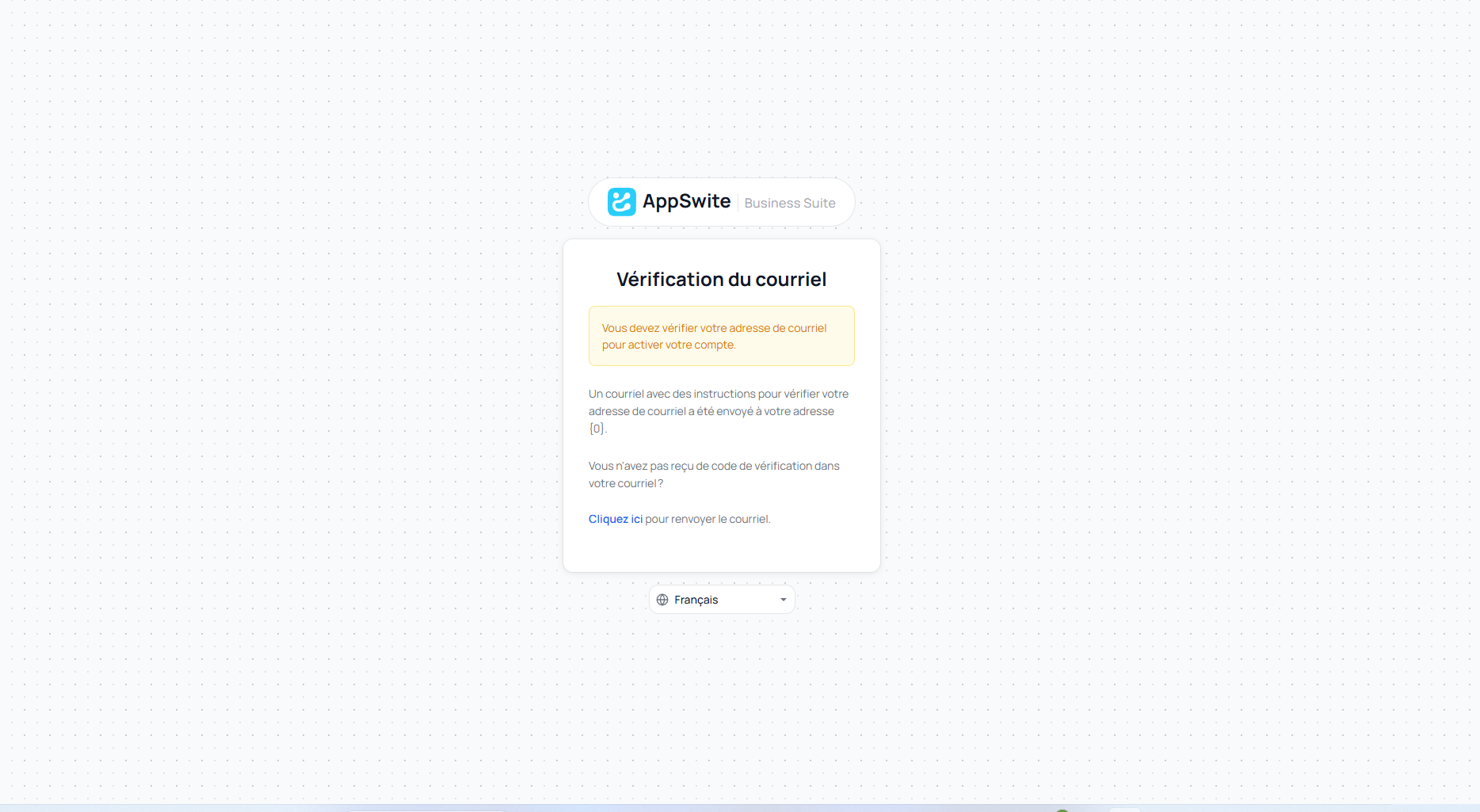
A confirmation email has been sent to you. Open your inbox and look for the message from AppSwite:
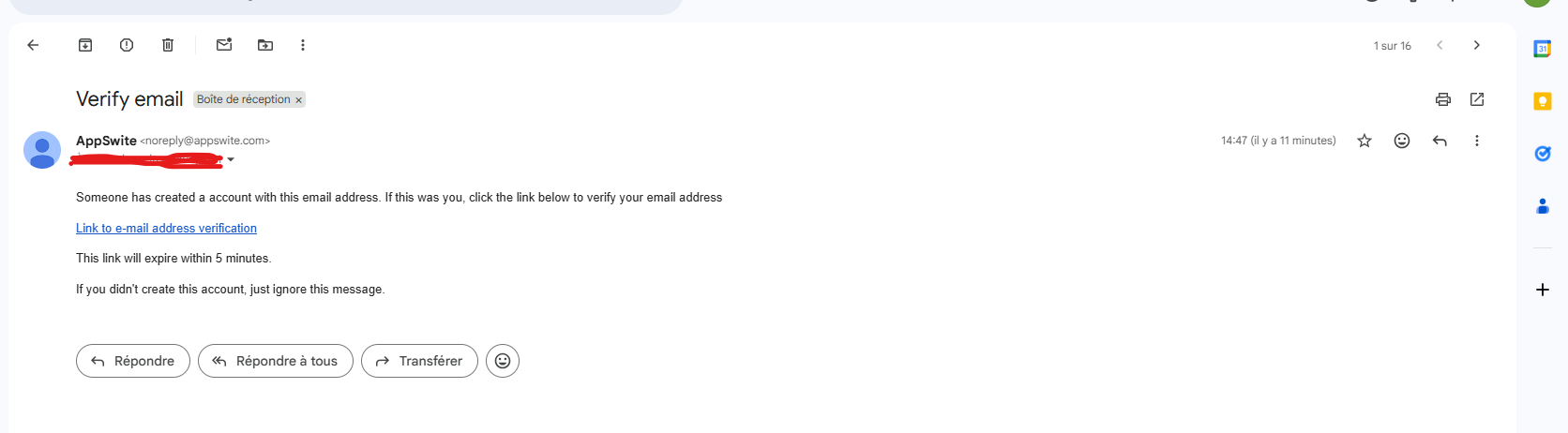
Click on the "Link to e-mail address verification" link in the email to activate your account.
Important: This link expires in 5 minutes. If you haven't received it, click "Click here" to resend the email.
Step 4: Sign In
Once your email is verified, return to https://my.appswite.dev/ and log in:
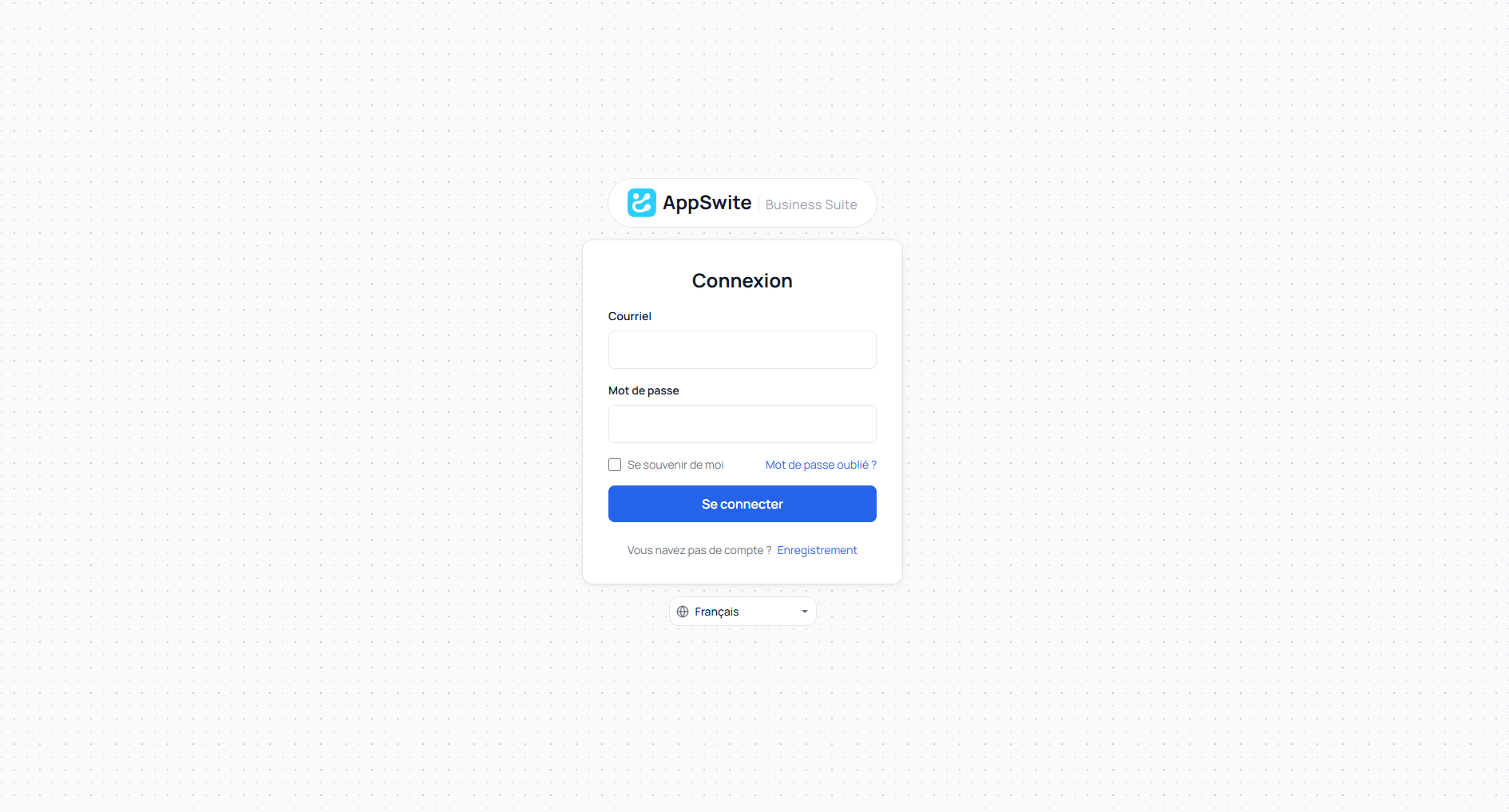
- Enter your Email
- Enter your Password
- Click on "Sign In"
Step 5: Access your application
Congratulations! You are now logged in and can access all the application's features.